DIY Data Recovery: When to Try It and When to Call a Professional


Understanding DIY Data Recovery
In today's digital age, data is one of our most valuable assets. Whether it's precious family photos, important business documents, or personal projects, losing data can be a nightmare. Fortunately, data recovery is possible, and sometimes you can do it yourself with the right tools and knowledge.
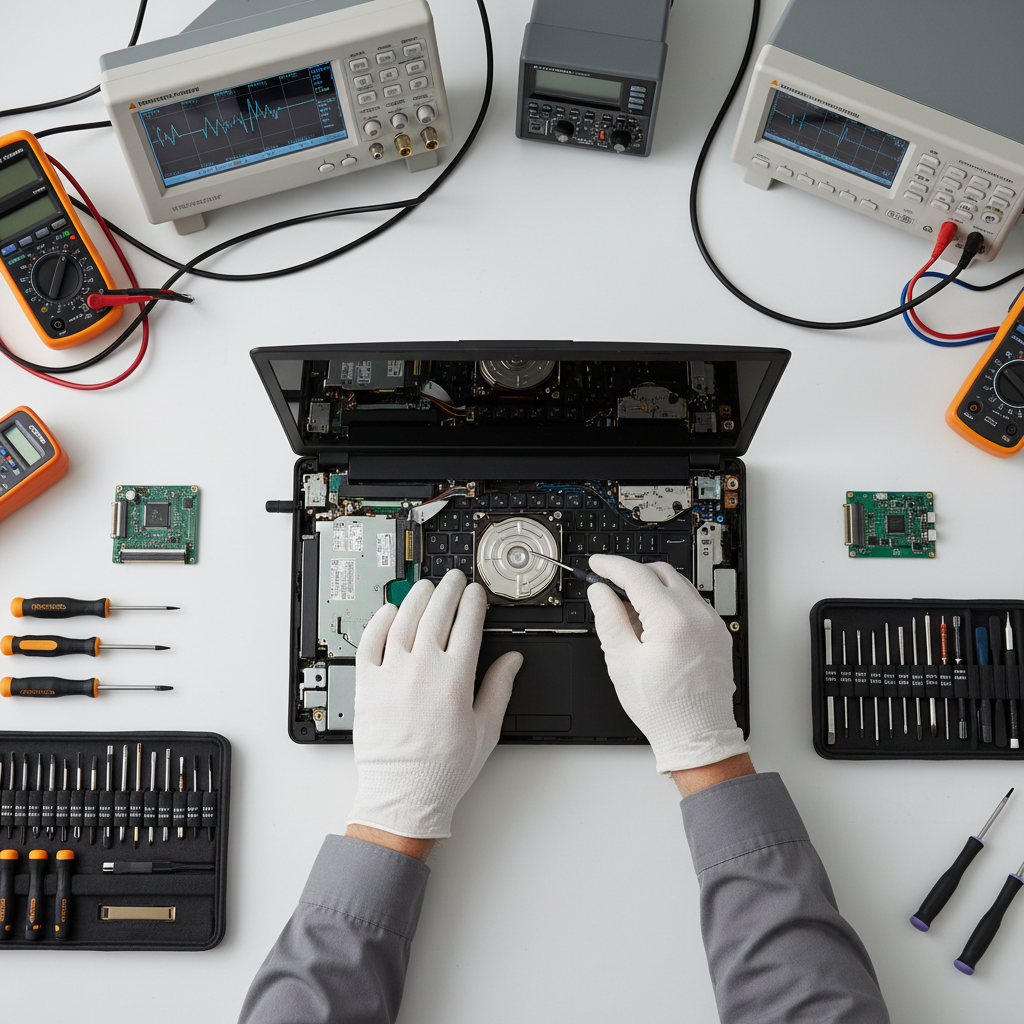
DIY data recovery involves using software or techniques to retrieve lost or corrupted data without professional help. It's a cost-effective solution for many, but it comes with risks. Understanding when to attempt it yourself and when to call a professional is crucial.
When to Attempt DIY Data Recovery
DIY data recovery can be effective in certain scenarios. Here are a few situations where you might consider trying it on your own:
- Accidental Deletion: If you've accidentally deleted files and they are not in the recycle bin, DIY recovery software could help retrieve them.
- Non-Physical Damage: If the problem isn't due to physical damage, but rather logical errors or software issues, DIY solutions are worth a try.
- Regular Backups: If you have a recent backup and the stakes aren't too high, experimenting with recovery software could be a safe bet.

Tools for DIY Data Recovery
Several tools can assist you in recovering lost data. Popular options include:
- Recuva: A user-friendly tool for recovering files from hard drives, memory cards, and other storage devices.
- TestDisk: Known for its powerful capabilities to recover lost partitions and fix non-booting disks.
- PhotoRec: A companion to TestDisk, designed to recover lost files from a range of devices.
Remember, while these tools can be helpful, they aren't foolproof and come with their own set of risks.
When to Call a Professional
There are situations where professional help is not just advisable, but necessary. Consider calling a professional data recovery service if:
- Physical Damage: If the device is physically damaged, such as a broken hard drive, professionals have the tools and clean environments necessary for recovery.
- Critical Data: When the data is extremely sensitive or critical, the risk of DIY recovery might be too high.
- Unsuccessful DIY Attempts: If you've tried recovering data yourself and failed, further attempts might cause more harm than good.
Final Thoughts
In the realm of data recovery, understanding the balance between DIY efforts and professional intervention can save both your data and your peace of mind. Always assess the situation carefully, and don't hesitate to seek expert help when needed. Remember, preventing data loss with regular backups is always the best strategy.